Digital Scholarship Help

  • Get Started
    • Log In
    • Edit Profile
    • Add a Post >
      • Check Spelling/Grammar
      • Include Categories & Tags
      • Include Imagery
      • Include a Map
      • Include Links/Feeds/Embeds
      • Include Math, Charts, and Tables
  • Setup Your Site
    • First Steps >
      • 1. Get a Site
      • 2. Setup Your Site
    • Next Steps >
      • Menus
      • Plugins
      • Themes >
        • Theme Edits
      • Widgets
      • Jetpack Site Admin
    • Using Your Site >
      • Image Displays
      • Projects
      • Subsites
      • Restricting Page Access
      • Exporting Your Site
  • Share & Engage
    • Comments
    • Contacts
    • RSS Feeds
    • Press This
    • Social Media
    • Subscriptions
    • The WordPress Firehose
  • Learning Tools
    • Computer Platforms/Apps >
      • Concept Mapping
      • Flickr
      • Gephi
      • Twitter
      • Zotero
    • Mapping >
      • ArcGIS & QGIS
      • Creating Tours
      • Find Spatial Data via geo.lclark.edu
      • Georeferencing
      • GIS Datafile Hints
      • Google Mapping
      • Joining Data
    • Mobile Apps >
      • ArcGIS Apps
      • Fulcrum
      • Location-Aware Apps
      • PDF Maps
      • WordPress Mobile App
  • Some Examples
    • Effective Posts
    • Effective Sites
    • Effective Subsites
  • Get More Help
    • Get Support
    • DS Training & User Group
    • Training Outlines >
      • DS Training – Level 1 (Users)
      • DS Training – Level 2 (Admins)
      • DS Training – Level 3 (Network Admins)

The WordPress Firehose

If you really want to make sure your DS site content is noticed, consider activating the Jetpack Enhanced Distribution module, which adds your site’s public posts, pages, and comments to the WordPress Firehose.
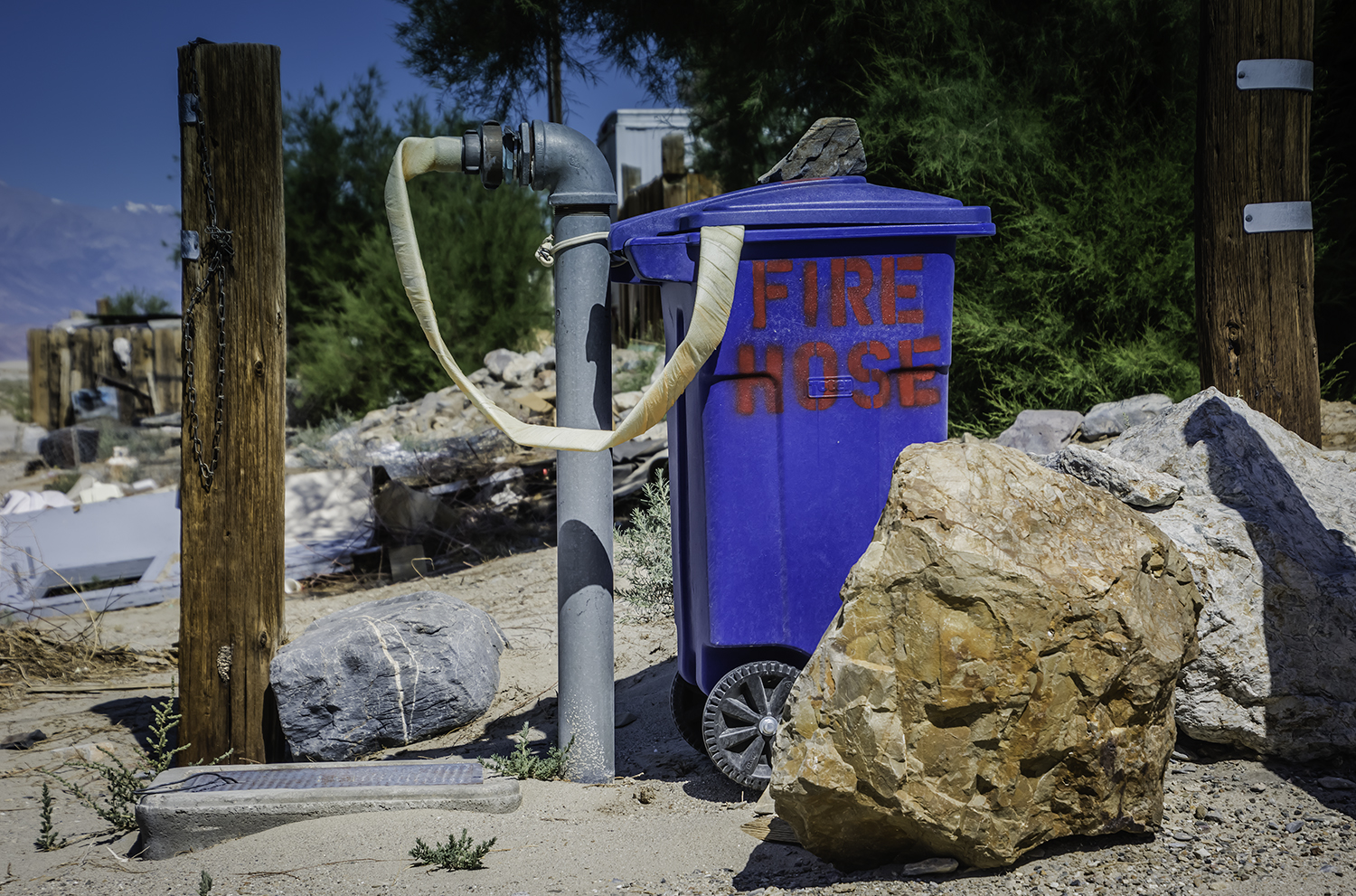
firehoseimage

Fire hose, Keeler CA (photo by David Meyer)

What is the WP Firehose, you may ask?

  • Here’s the official, wonky version.
  • Here’s the unofficial version: take a look at those numbers! The WP Firehose is the name for the huge stream of WP posts, comments, and likes.

Basically, if you activate Enhanced Distribution, your site becomes part of the big ocean called WordPress.com. So, if for instance someone is searching WordPress.com by tag and types in a tag you are using on your site, your related post will show up.

What are the pros and cons of joining the WP Firehose?

  • Pro: You’ll get noticed. (But see Broadcast Posts, where we provide other ways to get noticed.)
  • Con: You’ll get noticed. (See Manage Comments, and get ready!)

It’s your choice as to whether to join the WP Firehose, just like it’s your choice as to whether to make your site public. Feel free to be in touch if you’d like to discuss these options.

Digital Scholarship Multisite © 2018 · Lewis & Clark College · Log in